




Gimkit Host: Proven Secrets to Wow Every Class

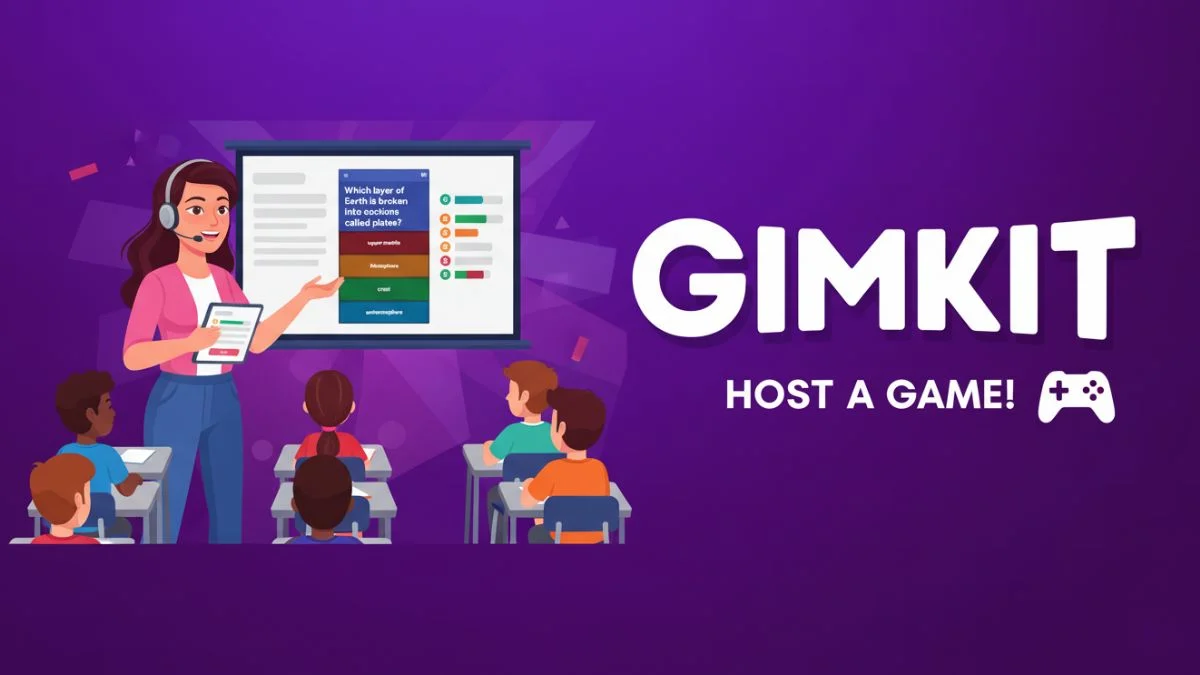
The process of learning through games has changed completely the way in which teachers and facilitators communicate with their audience. One of the most prominent platforms is Gimkit, which makes lessons into fun, interactive games that drive the audience to learn through fun. A Gimkit Host is the key person who organizes, conducts, and evaluates every successful session. Regardless of whether you are a teacher, trainer, or community organizer, learning the role of a Gimkit Host will make it possible for you to provide a smooth and fruitful learning experience.
What is a Gimkit Host?
A Gimkit Host is someone who creates and runs a game on the Gimkit platform. The role is usually take by a teacher or facilitator, who supports the activities, invites players, and watches over the game.
Main tasks are:
- Creating Game Content: Coming up with or bringing in question sets that are align with the learning goals.
- Selecting Game Mode: Decide between Live Mode for real-time interaction or Assignment Mode for self-paced play.
- Sharing Link: Giving a join code or link for players to enter the game from any device with internet access.
- Monitoring Progress: Following player performance and involvement via the live dashboard.
This role turns the Gimkit Host into an interactive-learning architect rather than just a game manager.
How to Set Up as a Gimkit Host
Create an Account:
Register for a Gimkit account, either free or paid. The premium subscription grants you access to extra features, including detailed analytics and more game modes.
Prepare the Question Set:
Create your own questions or take them from Gimkit’s library. Make sure the content matches your teaching objectives or your employees’ training needs.
Select the Right Mode:
- Live Mode: The best choice for classrooms, webinars, and meetings where everyone plays together.
- Assignment Mode: Ideal for homework or asynchronous training, participants can play at their own speed.
Customize Settings:
Set the duration of the game, the number of questions, and the optional features such as power-ups or team play. These settings will define the players’ experience.
Share and Start:
Let the participants know the join code or send them the direct link. The host decides when the game starts after all players have joined.
Managing a Live Session
In the case of a live game, the Gimkit Host plays the role of the command center:
- Track Performance: The real-time dashboard presents scores, correctness, and the whole development.
- Adjust on the Fly: Alter the time limits, stop the game, or change the power-ups without disturbing the flow.
- Encourage Interaction: Send in-game messages or use vocal signals to keep the players interested and motivated.
The advantage of this is that the hosts can produce an atmosphere that is changing and in the same time giving the right attention and being fun.
Using Assignment Mode for Flexibility
In Assignment Mode, the host can configure start and end dates allowing the participants to play any time. Particularly this method is helpful for:
- Remote or hybrid classrooms
- Corporate teams divided by time zones
- Independent study or practice sessions
Afterwards, the host can access detailed reports to analyze the strengths and weaknesses of the participants.
The Advantages of Being a Gimkit Host
- Enhanced Participation: Gamification has a way of drawing in the audience and hence increasing their motivation.
- Instant Analytics: The feedback during the session shows how well each participant is doing.
- Flexible Education: Hosts can change the content and the settings according to the specific goals they want to achieve.
- Data-Driven Insights: The information gather can be use to shape subsequent lessons or training sessions.
Hosting Success Best Practices
- Identify Learning Goals Clearly: Make sure that the game contributes to the specific educational or training objectives.
- Instructions Should be Simple: Provide simple steps to join the game and explain the rules at the very beginning.
- Fun Should be Balanced with Focus: The use of power-ups and competition can motivate learners, but at the same time, they should not distract from the educational content.
- Results Should be Analyze: Make use of the reports generate after the game to determine what the next steps in teaching or coaching will be.
Applications Across Different Settings
The role of Gimkit Host can be adjusted to various places:
- K–12 Classrooms: Vocabulary, math concepts, and critical thinking will be backed up.
- Higher Education: Fun review sessions or icebreakers can be made smooth.
- Corporate Training: Knowledge can be checked after workshops or lectures.
- Community Programs: Trivia nights or learning-based events for clubs and organizations can be hosted.
Privacy and Security
Gimkit’s Privacy Policy (Gimkit, 2025) states that user data is sent through a secure channel and then stored in a very secured manner. Nevertheless, hosts are still expected to use secure networks and to collect the least possible personal information.
Frequently Asked Questions (FAQ)
Is it necessary to get a paid plan in order to host games?
Not at all! Free accounts have the capability to host games, however, premium plans offer advanced reporting and additional modes.
What’s the maximum number of players allowed in a game?
It all depends on your subscription. Free plans restrict the number of participants, whereas paid plans allow for larger groups.
Is it possible to make changes to the settings in the middle of a game?
Absolutely. A Gimkit Host can pause and make adjustments to options like time limits or power-ups during a game without interfering with the gameplay.
Conclusion
A Gimkit Host is someone who is not just the one to kick off a digital quiz. It involves making coherent preparations, facilitating in real-time, and analyzing data to generate a beneficial educational experience. Hosts can, through Gimkit’s resources and analytics, turn lessons, training sessions, and community events into engaging, data-driven opportunities for growth and retention.