







How to Fix Bluetooth Not Working on Windows 11 Acer PC

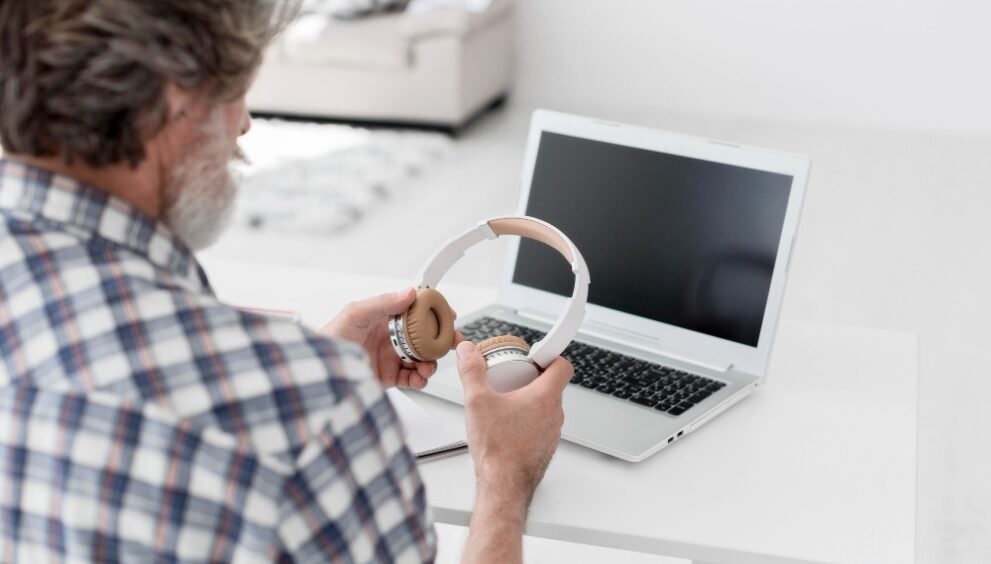
Today, widely used wireless connectivity and technology is bluetooth. Seamless pairing and working in any eligible device is the most fascinating thing about bluetooths. So it may sometimes raise issues. Not connecting, not showing up in lists, disconnecting frequently etc. are some common problems that occur while working with bluetooth. But don’t worry, there are some techniques to fix it. You can troubleshoot or download free softwares that helps in fixing bluetooth. The most common and easiest way to fix bluetooth is to update acer drivers window 11. In many cases, it fixes the bluetooth without any major damage to the device. Now we will discuss the other ways related to the topic.
Reason of disconnectivity
If your PC’s bluetooth is not working, there must be one of the following reasons:
- Driver not updated– old bluetooth drivers and outdated.
- Corrupt hardware– corrupted issues cause problems in connectivity.
- Distance– if distance is not maintained, frequent disconnections may occur.
- Internal software issues- programs running internally interfere in bluetooth working.
- Bluetooth isn’t supporting- outdates operating systems leads to this issue.
Methods to Troubleshoot Bluetooth
Method 1- Restart Bluetooth
Restarting bluetooth usually solves the issue. Turn OFF bluetooth and switch it ON again. To do this, there are 4 ways.
- Turn OFF from Quick Settings
- Turn OFF using Device Manager
- Turn OFF from settings
- Turn OFF from Control Panel
The same goes for turning it ON.
Method 2- Airplane Mode
Another method is to switch ON and OFF the airplane mode. It helps in reconnecting signals.
- Press Windows + A to open the Action Center.
- Click on the Airplane Mode icon to switch it ON.
- Wait for a few seconds and disable it.
Method 3- Bluetooth Driver
Outdated drivers lead to disconnections and do not support bluetooth devices to connect. Download compatible bluetooth driver for windows 11. Here’s how:
- Press Windows + S to open the search bar.
- Type “Device Manager”
- Look for the Bluetooth driver and right-click on it, and select “Properties”.
- Navigate to “Details”. Select “Hardware Ids”
- Copy Hardware Identification
- Find your device name and manufacturer.
- Visit the manufacturer site and download the compatible driver for windows 11.
Method 4- Reinstall Driver
- Press Windows + S to open the search bar.
- Type “Device Manger”
- Click on “Bluetooth” and right-click on the “Bluetooth adapter”
- Select “Uninstall Device”
- Click Yes button
- Restart the PC
Method 5- Update Driver
Update the drivers from device manager. An updated driver helps in good functioning and connectivity of bluetooth.
Method 6- Bluetooth Troubleshoot
- Open settings by pressing Windows + I, and click on “System”
- Click on “Troubleshoot”, then “Other trouble-shooter”
- Find “Bluetooth”, and click on “Run”
Method 7- Uninstall Bluetooth Adapter
First uninstall the bluetooth driver, and let the system automatically reinstall it. Here’s how:
- Type “Device manager” on the search bar.
- Select “Bluetooth” then right-click the bluetooth adapter name.
- Click on “Uninstall device” and then “Uninstall”
- Now, shut off all the programs and restart the device.
- Wait to reinstall the driver
Method 8- Bluetooth Adapters
If you are using an adapter and it is not working properly, unplug it from where it is and use a different USB port. If there is an extension, skip it and plug directly into the port.
Method 9- Multiple Connections
If multiple devices are on the PC, it causes issues. Or if multiple devices are placed near bluetooth, it will try to connect with the nearest one. Disable bluetooth of nearby devices which are not in use.
Bluetooth connectivity is not a big issue, you can perform these methods or simply just troubleshoot the system. It will reset the issues occurring and give a smooth connection between device and bluetooth.